Case study 6 months free on a 12-month plan, 10 spots6 months free, 10 spots

Know what every plate makes.

The restaurant POS and back office in one system. Register, kitchen screen, kiosk, online ordering and delivery apps, with your real food, labour and prime cost. Or keep your POS and add the numbers.

  • 30-day free trial
  • No per-device fees
  • Keep your POS, or switch
#42Takeout

Smash burger

No onion


Price14.50
Cost4.62

68% Healthy

New online order #46

Chicken wrap · Extra sauce

PaidReady 12:40

Fix Lobster roll

Supplier price up 11%. Margin now 38%.

Raise to $26.99 for 45%

#44Dine-in

Brisket plate

Light slaw


Price18.00
Cost8.64

52% Watch
  • 1system for the counter, the kitchen and the books
  • 5%supplier price jumps flagged on every dish they touch
  • .99delivery-app prices, marked up and rounded per app
  • Offlinethe register keeps selling when the internet drops

See Skilletin 60 seconds.

Setup, the register, payments, the kitchen screen, dish costs and your daily numbers, in one short tour.

A register your staff learn in one shift.

Colour-coded tiles, dish search, options beside the order with "Add & repeat", split bills, tips and tabs. It keeps selling when the internet drops.

Explore the register

A kitchen screen you can read across the line.

Tickets in columns with timers, build lists with No / Light / Extra, stations, rush tickets, and paid or not paid on every ticket.

Explore the kitchen screen

The profit on every dish, live.

Food cost and margin on every dish from your real supplier prices, an alert when a price jumps, and the price or portion that fixes it.

Explore profit per dish

Made for themiddle of the rush.

87 details that make a busy Friday easier, all included. Built inside a working restaurant, so they're the ones you actually reach for.

At the counter

  • Offline mode
  • Add & repeat
  • Open item
  • Dish search
  • No / Light / Extra
  • Pizza halves
  • Takeout and pickup later
  • Split by item
  • Tips
  • Tax exemption
  • House accounts
  • Manager PIN approvals
  • 86 a dish
  • Portion limits
  • Till float and cash drops
  • End-of-shift checkout
  • Payment alarm
  • Dark screen
  • Locked terminals

Dine-in

  • Floor plan
  • Tables and seats
  • Split by seat
  • Open tabs
  • Rush tickets
  • Hold and fire courses
  • QR table orders
  • Reservations
  • Waitlist

In the kitchen

  • Build lists
  • Kitchen stations
  • Ticket timers
  • Changes in red
  • Bump and recall
  • Auto-clear tickets
  • New-ticket sounds
  • Paid / not paid on tickets
  • Delivery ready-by times
  • Kitchen printers
  • Receipt printers
  • Cash drawer

Orders and guests

  • Self-order kiosk
  • Customer display
  • Commission-free online ordering
  • Scheduled orders
  • Store hours and holidays
  • Delivery-app orders rung in by app
  • Prices per app
  • Payout checks
  • Combos and deals
  • Happy-hour prices
  • Promo codes
  • Service charges
  • Gift cards
  • Loyalty points
  • Customer directory
  • Orders API

Back office

  • Prime cost
  • Profit dashboard
  • Yield costing
  • Prep items
  • Price history
  • Recipe versions
  • Margin alerts
  • Price-spike alerts
  • Monday digest
  • Supplier invoices
  • Imports from Toast and spreadsheets
  • Stock counts
  • Waste log
  • Weekly cost of goods
  • Reports as CSV
  • Shift planner
  • Photo time clock
  • Tip sharing
  • Timesheets for payroll
  • Roles and permissions

Owners and devices

  • Setup wizard
  • Sample menu
  • Device pairing
  • Remote sign-out
  • Two-step sign-in
  • Data export
  • Store switcher
  • All-locations roll-up
  • Franchise brands
  • Installs like an app
  • Android apps

Built for every kind of restaurant

  • A server bringing a plate to a smiling guest
    Full-service diningFloor plan, seats, split by seat, coursing and reservations.
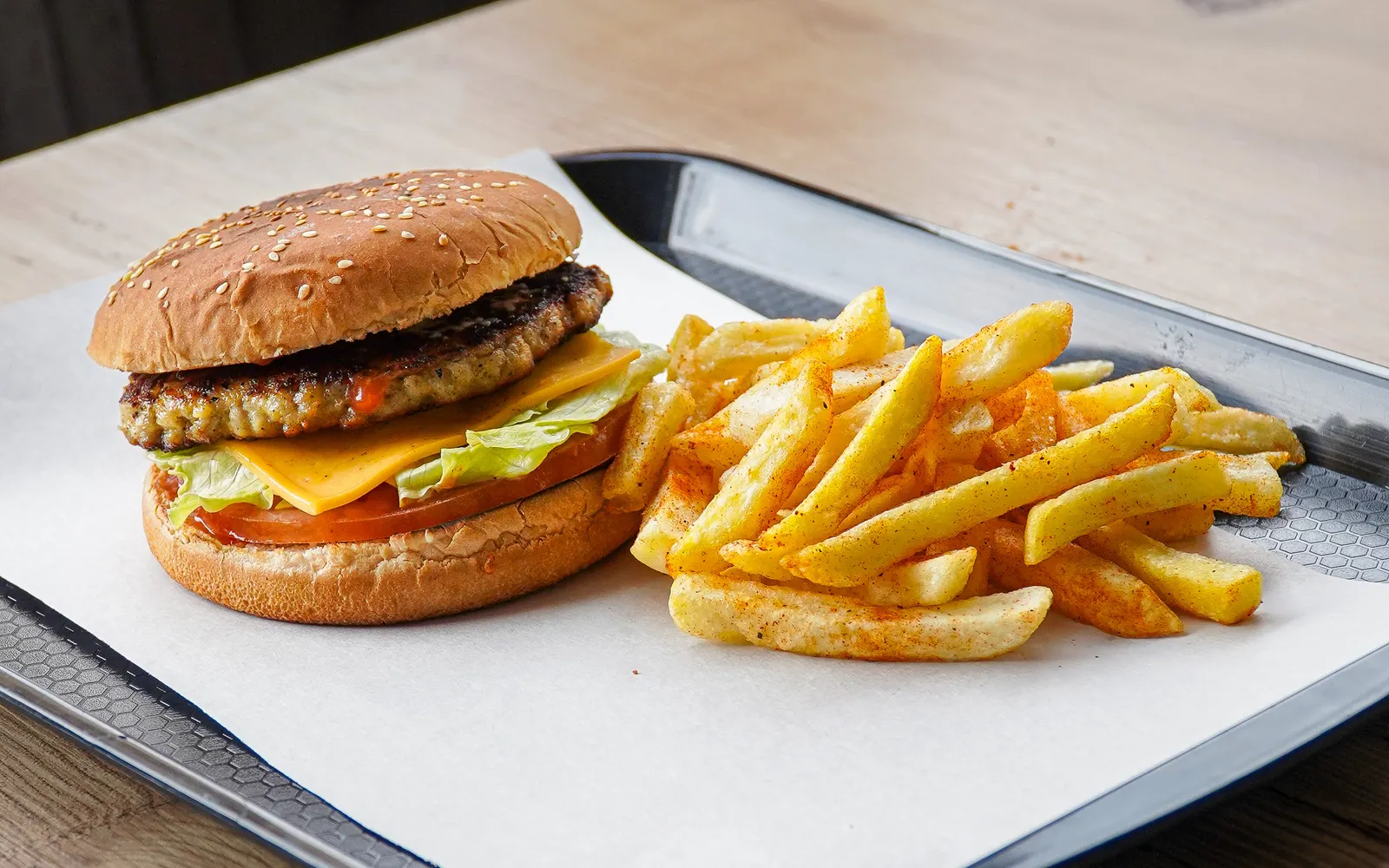
  • A burger and fries on a tray
    Quick serviceA register built for speed, and a kiosk that takes orders while you cook.
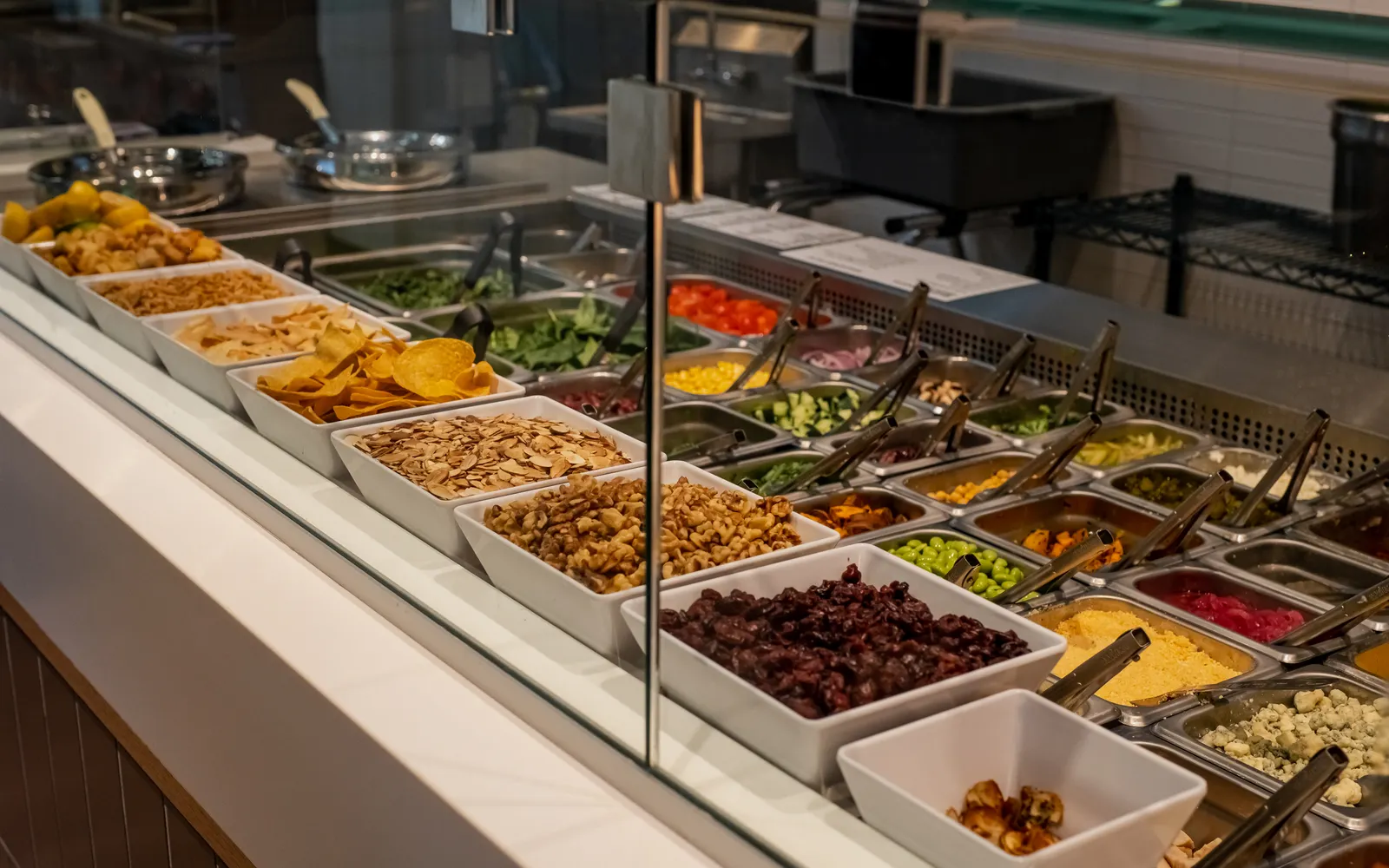
  • A counter of fresh toppings and salads
    Fast casualBuild-your-own dishes, with choices beside the order and No / Light / Extra.
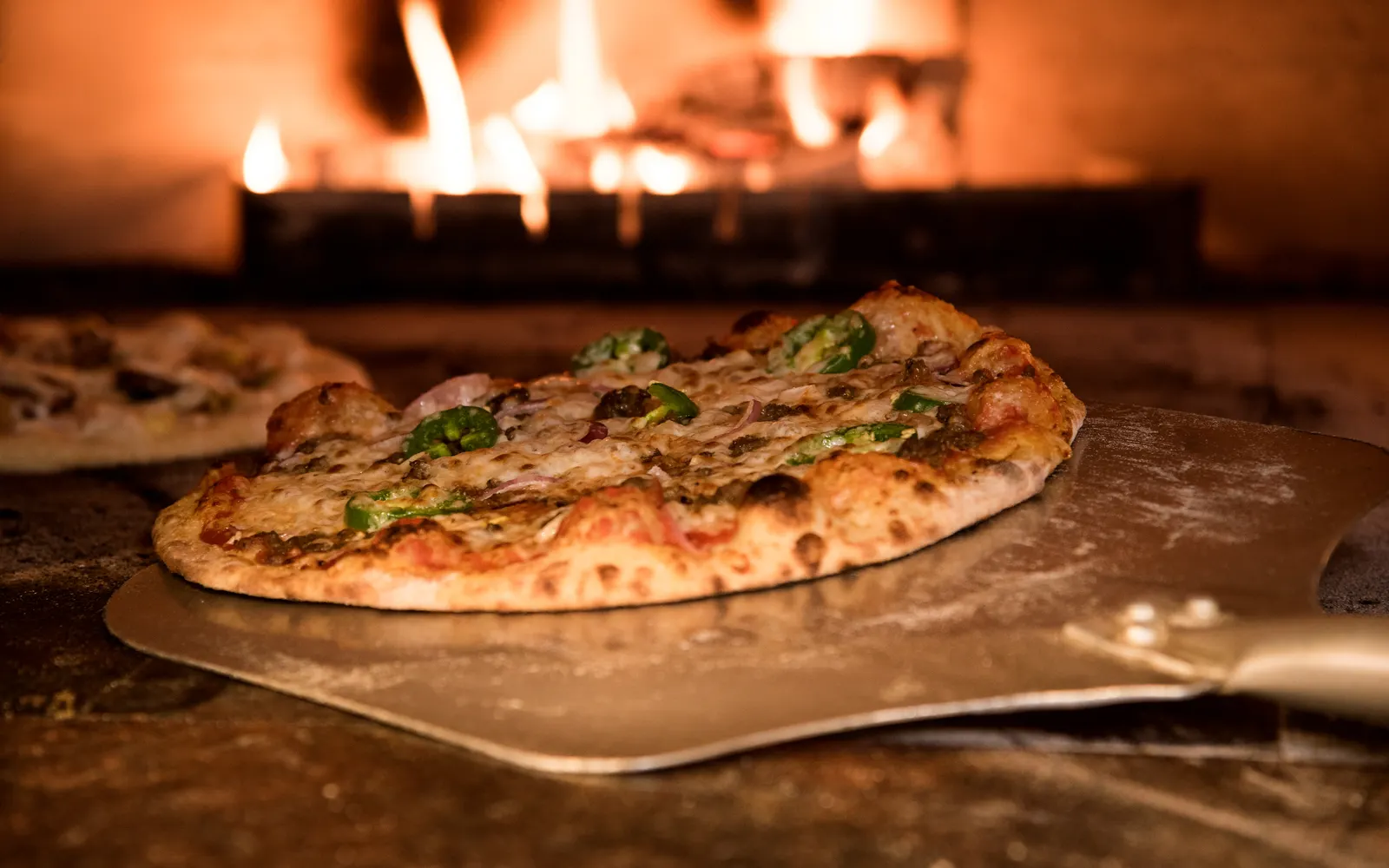
  • A pizza in a wood-fired oven
    PizzeriasHalf-and-half toppings, extras, and prices by size.
  • A latte with latte art
    Cafés and bakeriesFast tiles, loyalty points and gift cards that count in the till.
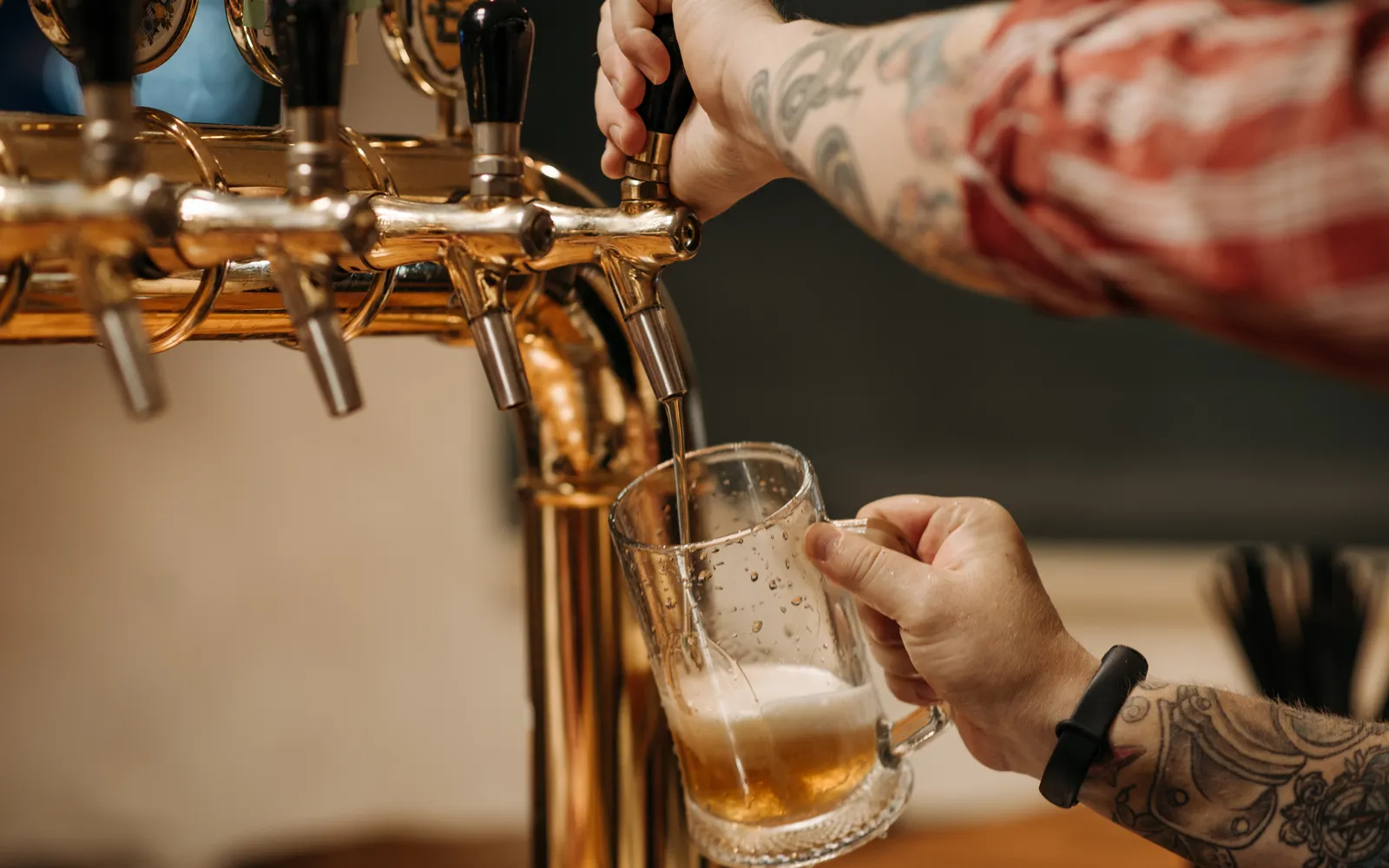
  • A beer being poured from the tap
    Bars and pubsOpen tabs, split bills, tips, and "Add & repeat" for rounds.
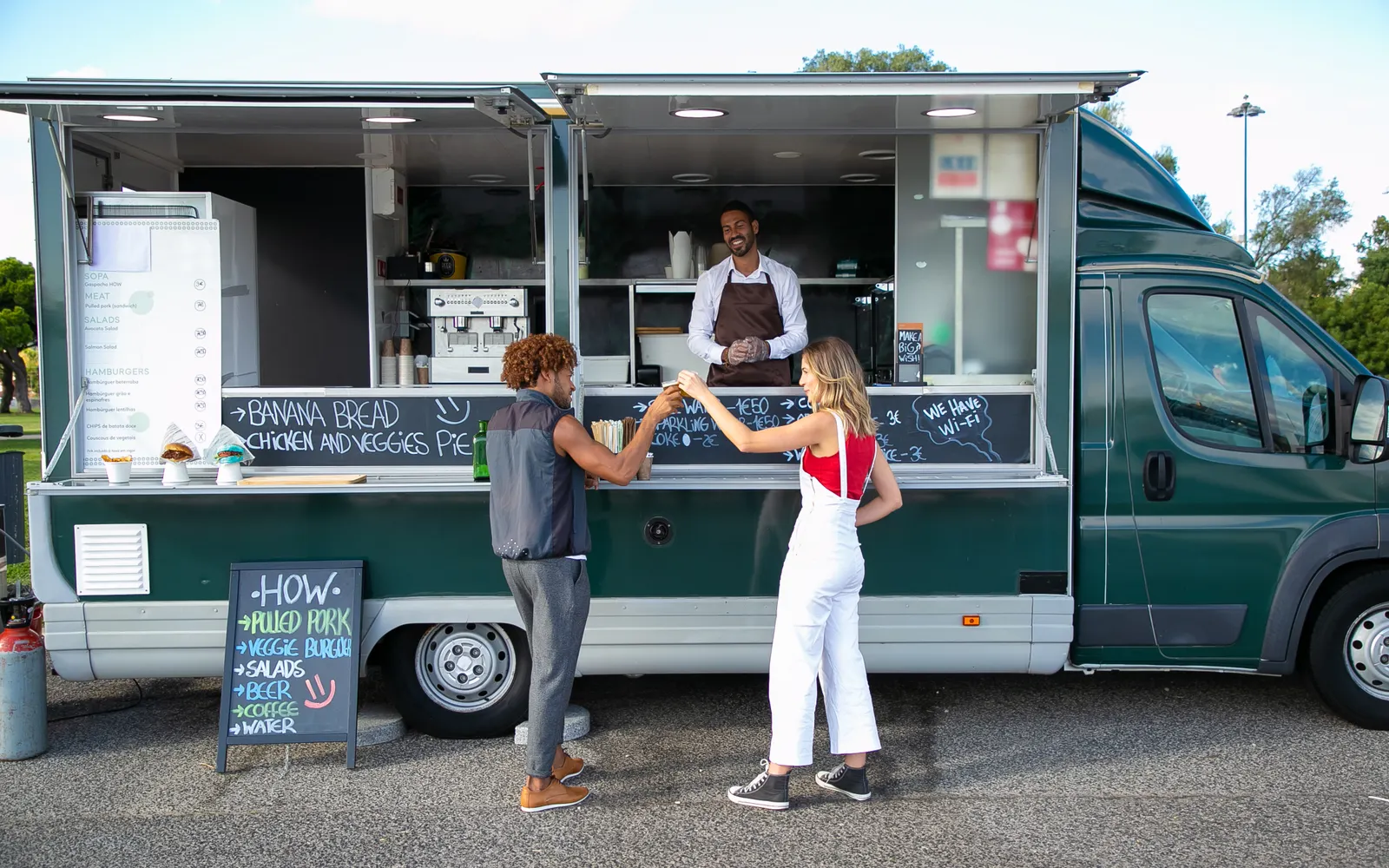
  • Customers ordering at a food truck window
    Food trucksRuns on a tablet or phone, and keeps selling when the signal drops.
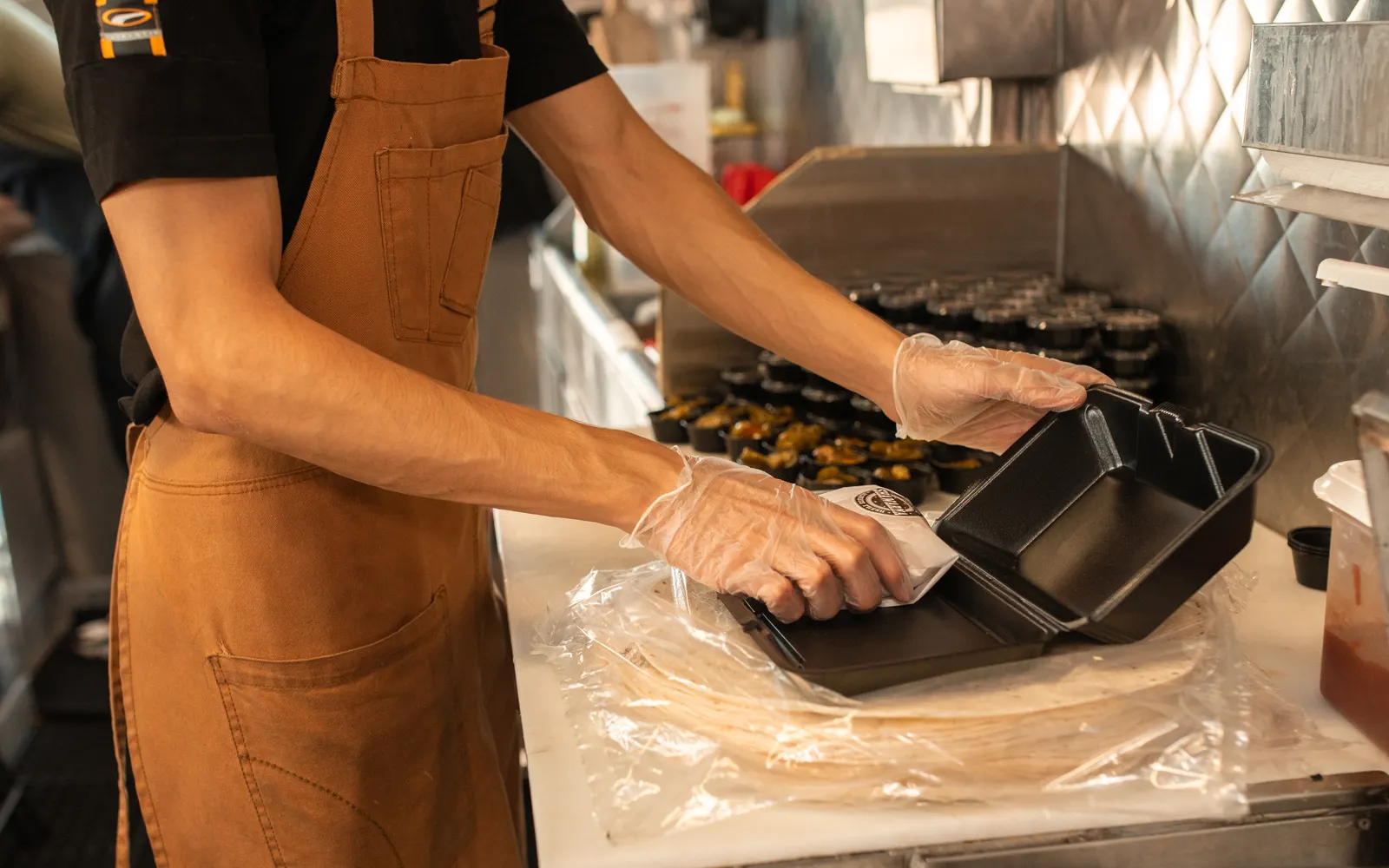
  • Takeout containers being packed in a kitchen
    Ghost kitchens and deliveryPrices set for every delivery app, orders rung in by app, payouts checked.
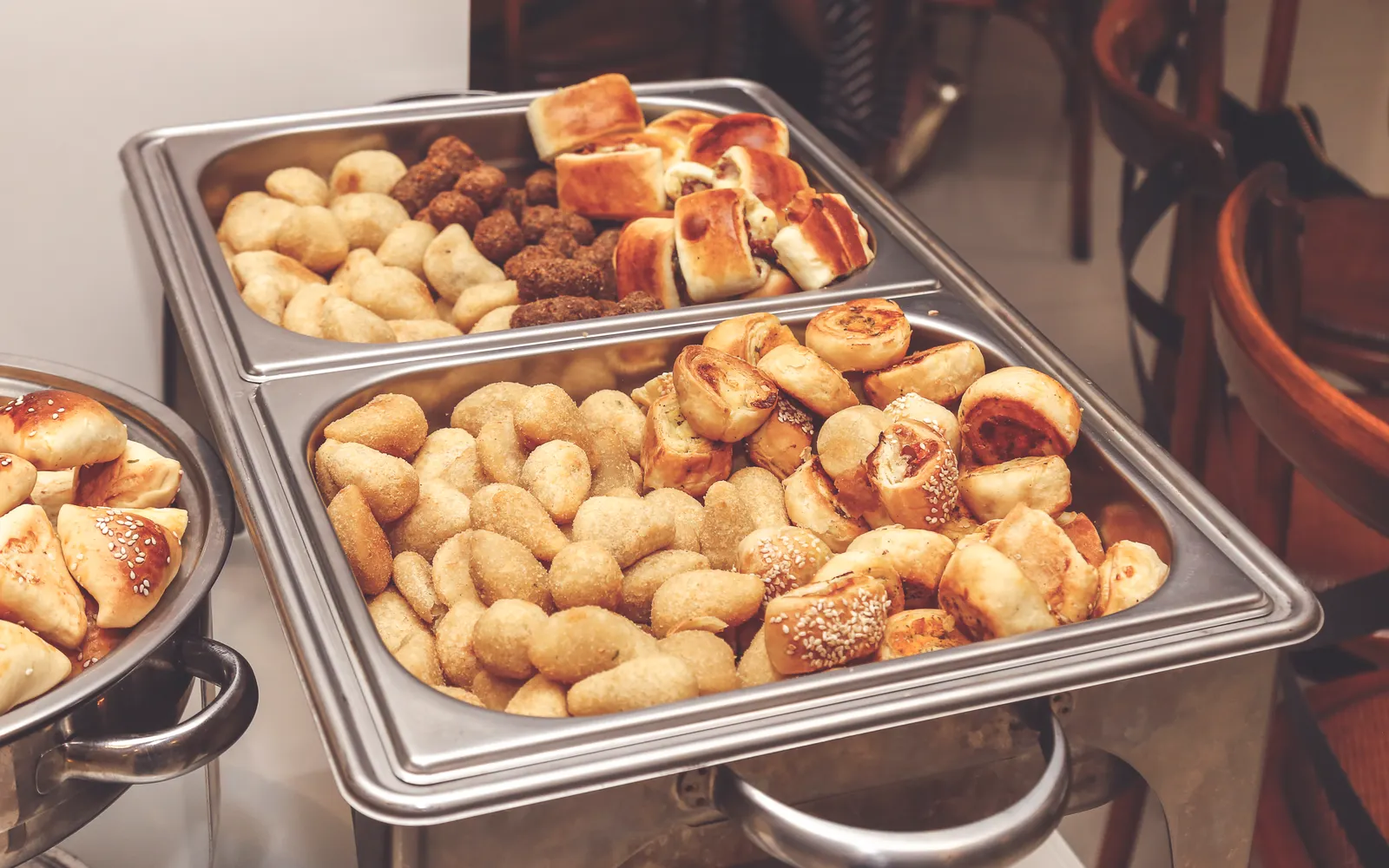
  • Catering trays of food ready to serve
    CateringScheduled orders, house accounts and combos for big orders.
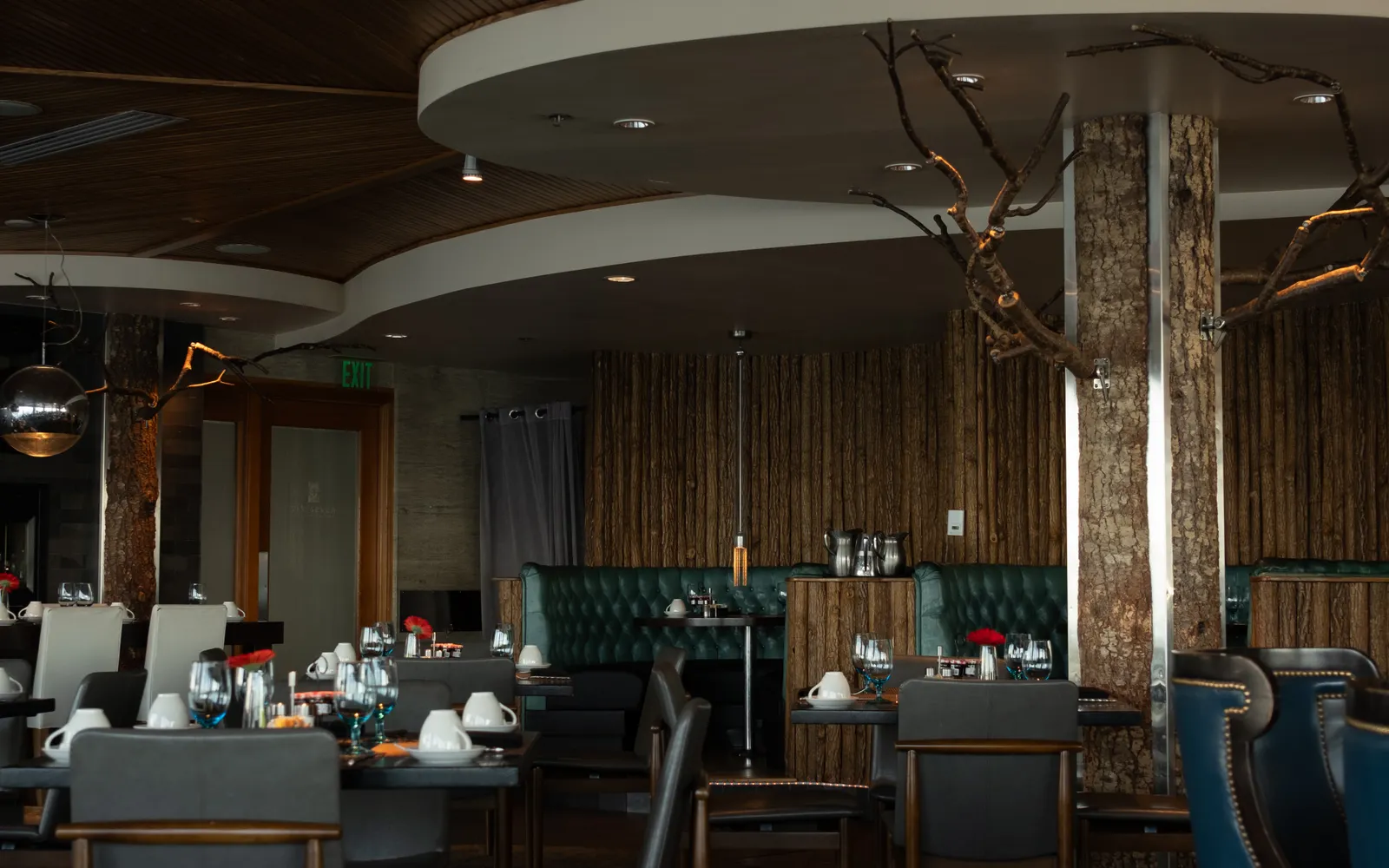
  • A restaurant dining room
    Multi-location and franchiseOne recipe book, each store's own prices, one roll-up.

From the invoiceto the menu price.

Most owners find out a dish lost money after the month ends. With Skillet you know the day the invoice comes in.

  1. 01

    Confirm the invoice

    Upload a supplier invoice, check the lines, confirm. Skillet remembers each supplier's wording.

  2. 02

    Every dish re-costs

    Pack size, yield and prep items included. Recipe versions keep past reports true.

  3. 03

    Fix it before it costs you

    Skillet suggests the price or portion that puts the dish back on target.

Try it on one dish with the free food cost calculator

One billinstead of five.

Most restaurants pay for a POS, a kitchen screen, online ordering, scheduling and a food cost tool, separately. Skillet Complete does all of it for one price per location, with no per-device fees.

Compare the three plans

What owners pay for separately

  • POS with kitchen screenSquare for Restaurants Plus$60 CAD + $40 per extra register
  • Online orderingOwner.comfrom $249
  • Scheduling and time clock7shiftsfrom $39.99 per location
  • Food cost and invoicesMarginEdge$330 per location
Skillet CompleteAll of the above, per location$299 CAD

From owners on the line.

  • "Before Skillet, I had no idea whether Tuesday was profitable until my accountant sent financial statements four weeks later. Now, I open Skillet at 10 PM and know our exact Prime Cost down to the decimal point across both stores before my head hits the pillow."

    Tariq M.Founder & Managing Partner, two-location smash burger counter, Toronto

    Read the case study
  • "Our kitchen line stopped shouting and started executing. The color-coded KDS timers gave our line cooks total clarity during the 7 PM rush."

    Elena R.General Manager, 140-seat gastropub and bar, Durham Region

    Read the case study
  • "Nobody clocks in for their friend anymore, and the live labor curve tells my shift leads exactly when to make early cuts on slow afternoons."

    Julian P.Co-Owner & Head Chef, brunch café, Toronto

    Read the case study

Restaurants in Skillet's pilot used Skillet Complete free while testing it. Results are as reported by each restaurant. Restaurant names are left out at the owners' request. All customer stories.

Questions owners ask.

Anything else? Ask us

Can I keep my current POS?

Yes. Skillet Insights works alongside Toast, Clover, Square or Lightspeed: import your sales and menu exports, and Skillet shows your food cost, labour and prime cost. Switch to the full system whenever you are ready.

Does Skillet work for dine-in restaurants?

Yes. Floor plan, tables and seats, open tabs, split by seat, coursing, QR table ordering, and reservations with a waitlist. Counter service and dine-in run on the same system.

Do I need to buy new hardware?

No. Skillet runs in a web browser on the Android tablets, computers, monitors and TVs you already have, with no per-device fees. Add receipt and kitchen printers if you want them.

How does Skillet handle payments?

Every way a customer pays is recorded at the register: cash with change, card on your terminal, gift cards, house accounts and delivery apps. Split bills, tips and refunds included. Skillet works with the card terminal and processor you already use, and adds no fee to payments taken on it.

Does Skillet work with Uber Eats, DoorDash and SkipTheDishes?

Yes. Ring in delivery-app orders on the register by app, so the kitchen sees which app and the ready-by time. Skillet sets your menu price for each app, rounded up to .99, shows what you keep after each app's commission, and checks their payout statements.

What happens if the internet goes down?

The register keeps taking orders and catches up the moment the connection is back.

How much does it cost?

Skillet POS $89, Skillet Insights $199, Skillet Complete $299 CAD per location, per month, with a 30-day free trial.

See what your dishes really make.

Try Skillet free for 30 days, or book a walkthrough with someone who has run restaurants.

Plans from $89 CAD per location, per month. No per-device fees.