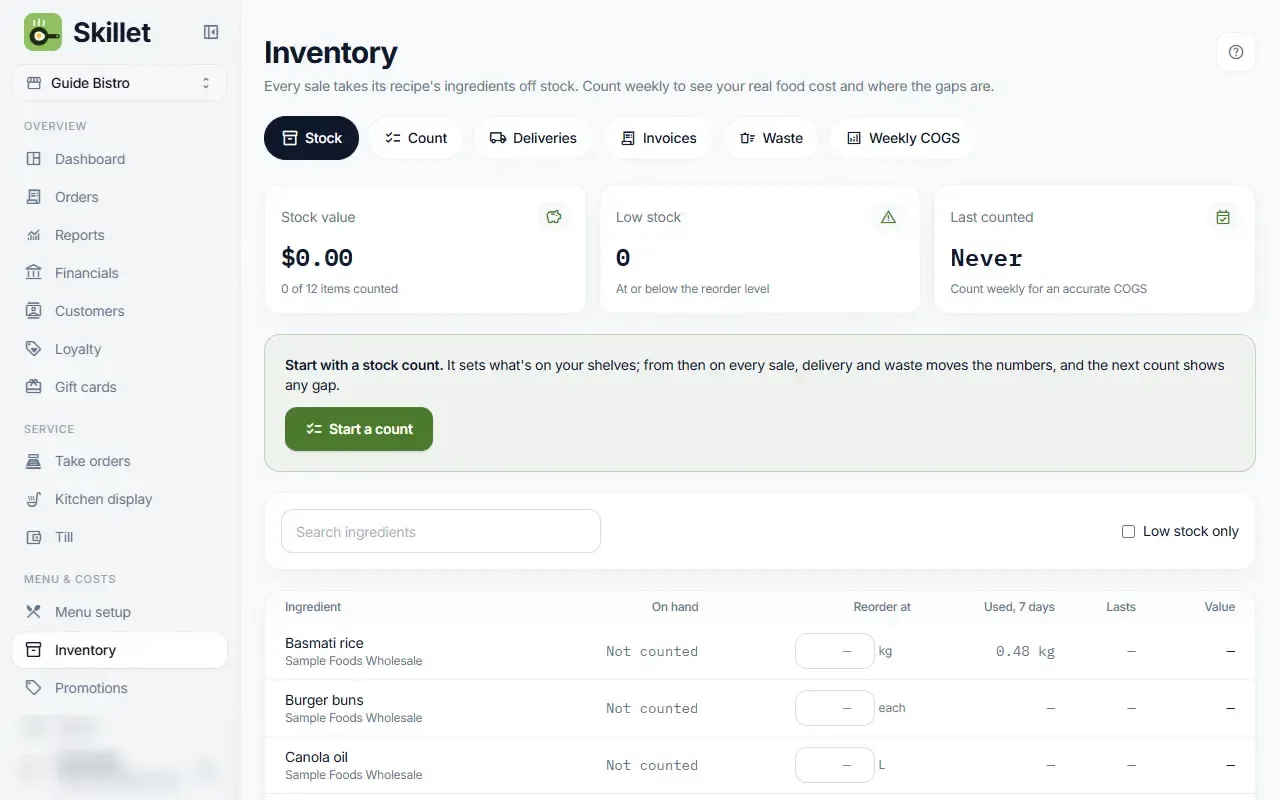
Every dish sent to the kitchen uses up its ingredients automatically. Inventory shows what should be on the shelves.
- Set a reorder level on the ingredients you can’t run out of. Skillet shows them under Low stock when they get there.
- Start a count, enter what’s really there, and finalize it. The gap between the books and the count points to waste, theft or recipes that don’t match what’s made.
- Log waste as it happens: spoiled, expired, dropped or burnt. Food refunded after cooking is logged for you.
- Check Weekly COGS: what sales used, what was wasted and what’s unexplained.