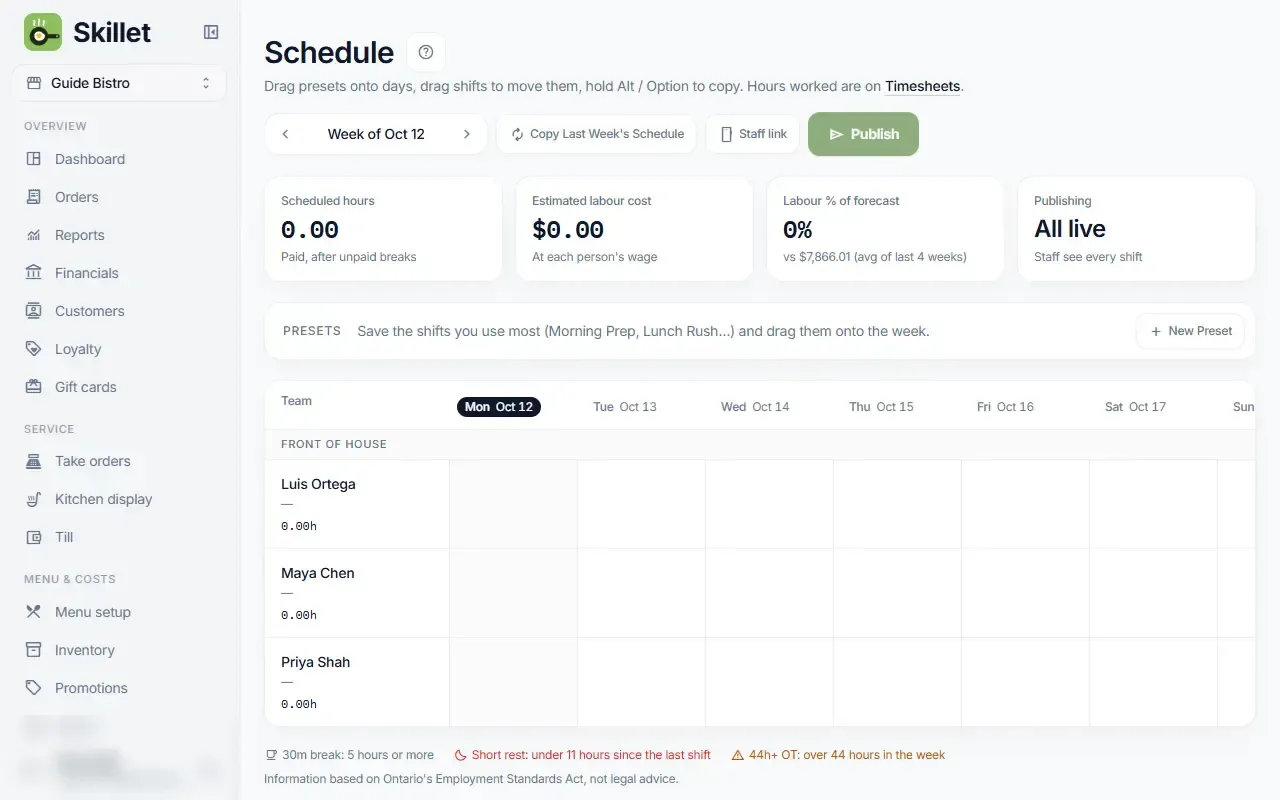
- In Team → Schedule, drag presets onto days to create shifts, or copy last week. Publish the week when it’s ready.
- The schedule shows the estimated labour cost, and flags a missing 30-minute break on shifts of 5 hours or more, less than 11 hours’ rest between shifts, and more than 44 hours in a week (based on Ontario’s Employment Standards Act; not legal advice).
- Each employee sees their own shifts on the staff schedule page or in the Skillet Team app.
- Staff clock in and out on a register tablet with their PIN, and the camera takes a photo with each punch.
- Timesheets shows hours and wages; download them as CSV for payroll.
Tip Tip sharing is an optional feature: tip-outs and a tip pool by hours and role, saved by pay period.