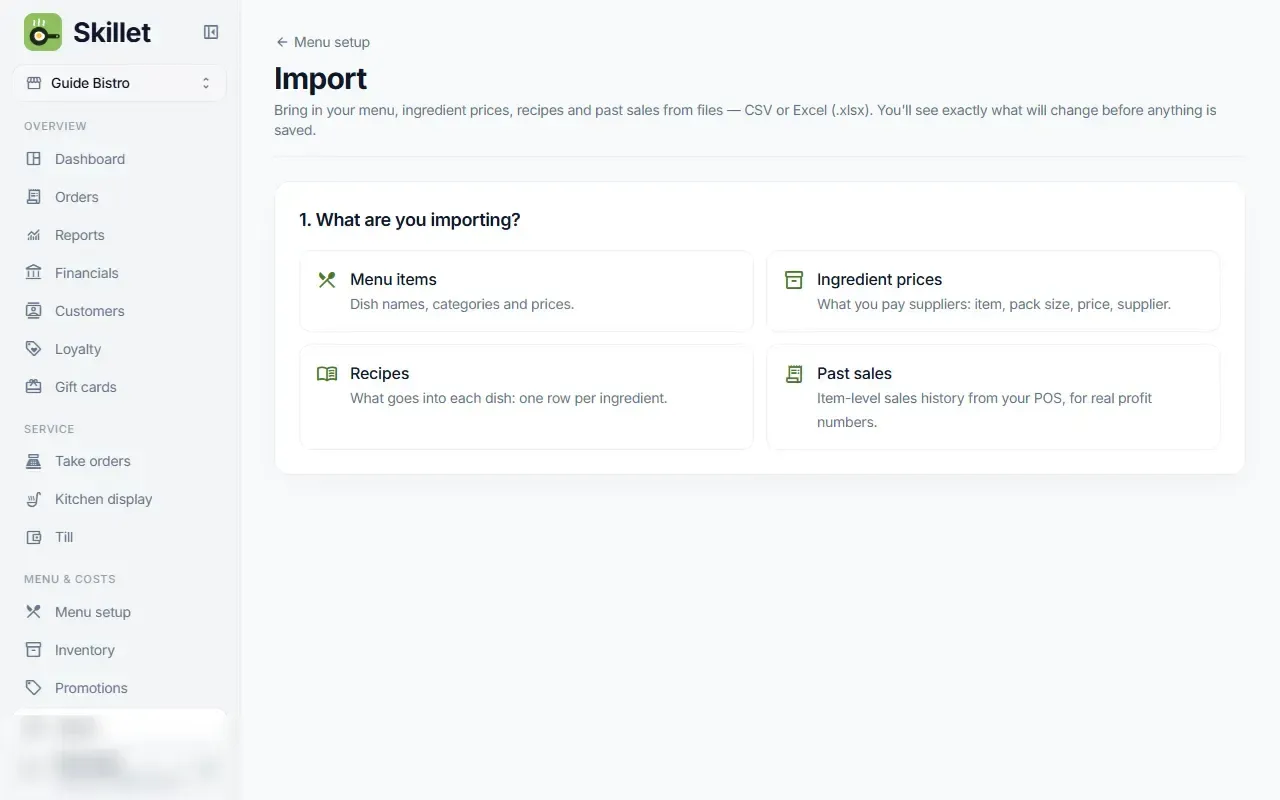
On Skillet Insights you keep your current POS at the counter. Export its sales report and bring it into Skillet, so the dashboard, margins, prime cost and reports use your real sales.
- Export the sales or item report from your POS as a CSV or Excel file.
- In Import, choose Past sales and upload it. Skillet matches each item to a dish and remembers your answers for next time.
- Menus, ingredient prices and recipes can be imported the same way.
- Delivery app statements go into Financials, which checks commissions, refunds and missing orders.
Tip Ready to run the register on Skillet too? Move to Skillet Complete and keep everything you’ve set up.