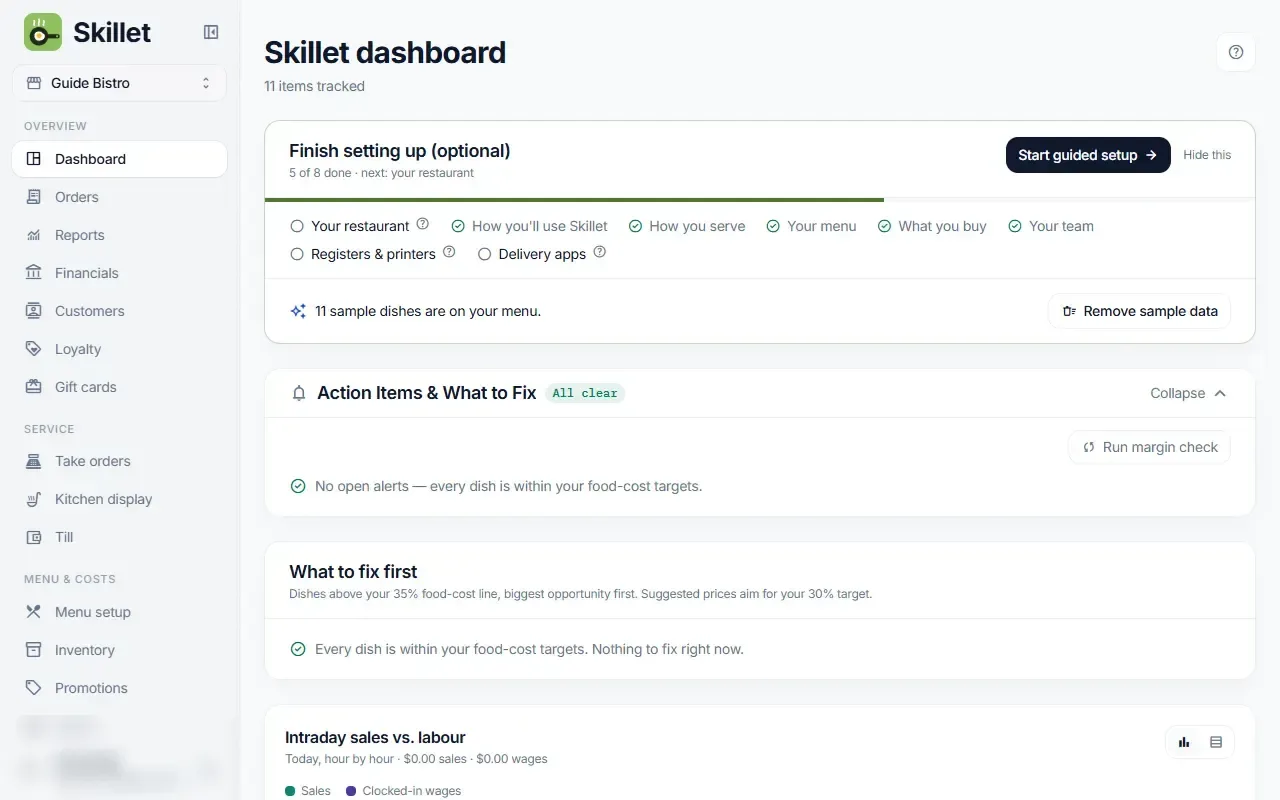
Start your free trial at skillethq.com. No card is needed. After you sign up, the setup wizard asks a few questions: your restaurant, how you’ll use Skillet, counter or table service, your menu, what you buy, your team, your devices and your delivery apps. Skip anything you’re not ready for and come back later.
- Name your restaurant and add its address.
- Add the sample menu if you’d like to try things first. It comes with a month of sample sales, so the dashboard fills up straight away.
- Follow the checklist on the dashboard. Each main page also has a short walkthrough the first time you open it.
- When you’re ready, Remove sample data clears the sample menu and its sales in one tap.
Tip Rather have it done for you? Ask us about done-for-you setup: send your menu and supplier invoices, and we set up your menu, recipes and costing.