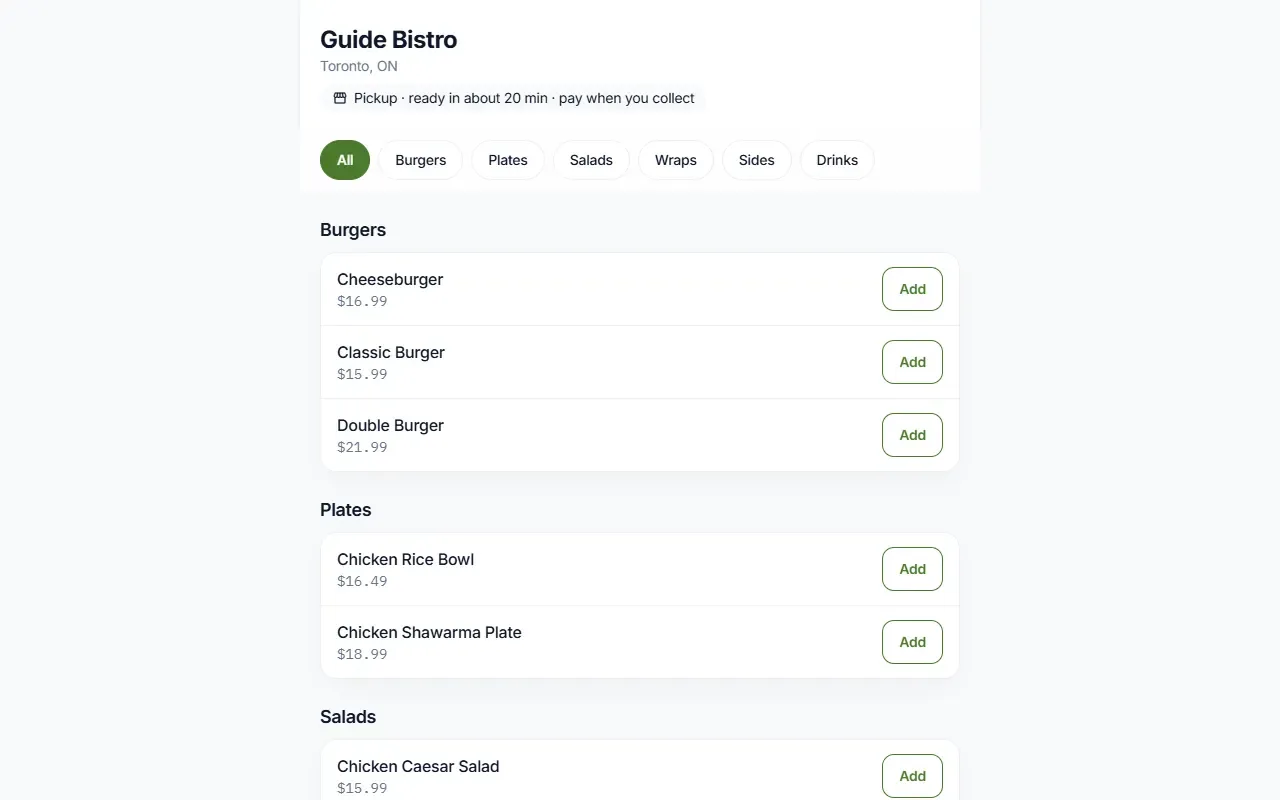
Your restaurant gets its own commission-free ordering page for pickup, with a link and a QR code to share. Turn it on in Settings → Delivery & online.
- Set your hours in Settings → Restaurant. Online, QR and kiosk ordering follow them, holidays included; outside hours, customers can order ahead for later.
- For QR table ordering, print each table’s code from Settings → Floor plan. Guests scan, order, and the order goes on the table’s tab and to the kitchen.
- Orders from every channel show together on Orders.
A self-order kiosk and a customer display come in the same plan: set a tablet up for either with Set up this device.