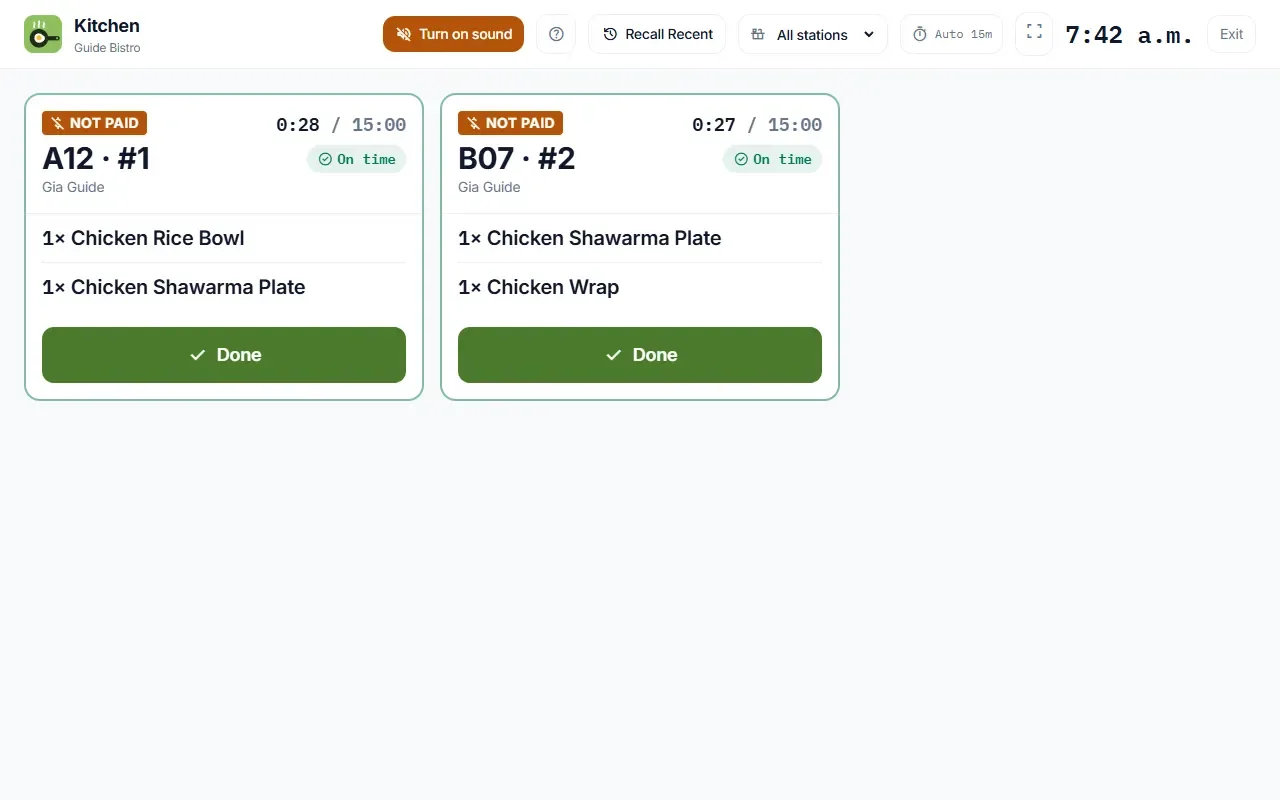
The kitchen screen (Kitchen display, or the Skillet Kitchen app) shows tickets oldest first, by station, with timers that change colour as a ticket ages. Each ticket shows whether it’s paid, and delivery-app orders show their app and ready-by time.
- Each ticket lists what goes into each dish in order, with changes in red (NO onions, EXTRA cheese).
- Tap Done when an order is out, or set tickets to clear by themselves after a while. Recall brings back one bumped too soon.
- Choose the new-ticket sound, its volume and how many times it plays in Settings → Kitchen & printing. You can also upload your own, and each screen can mute itself.
Tip With the Skillet apps, registers send tickets straight to kitchen screens over your restaurant’s Wi-Fi, so the kitchen keeps getting orders even when the internet is down.